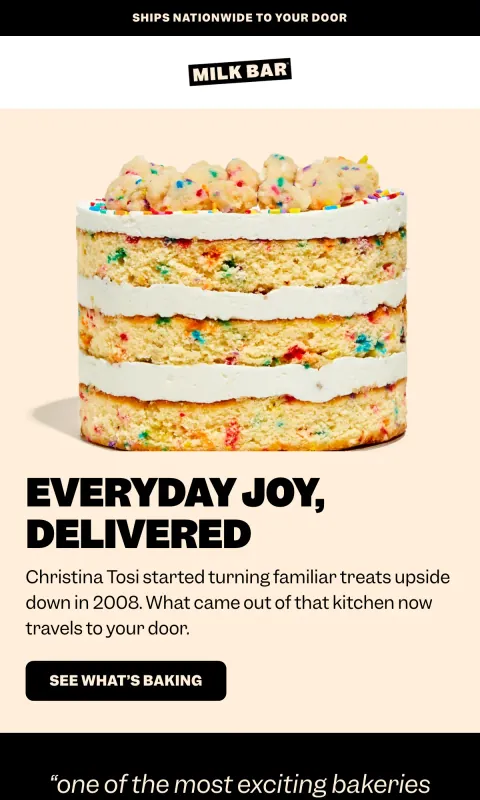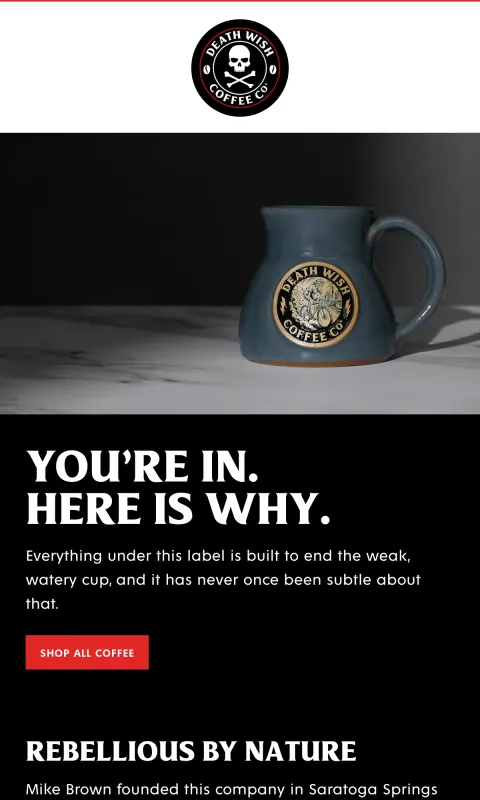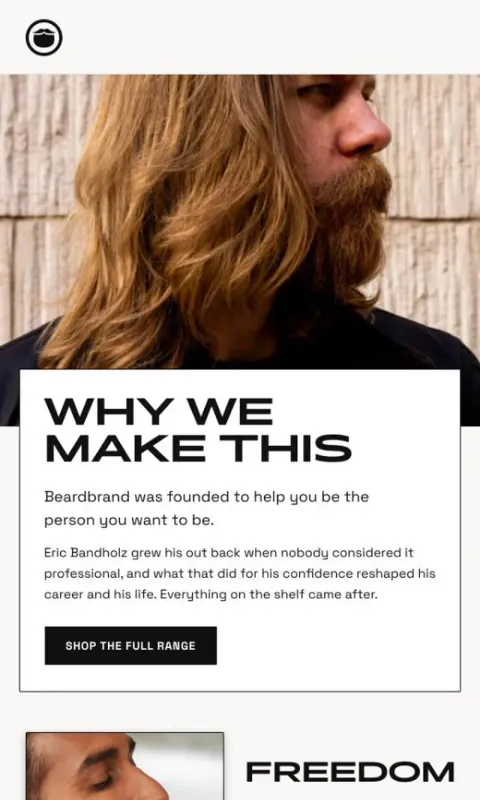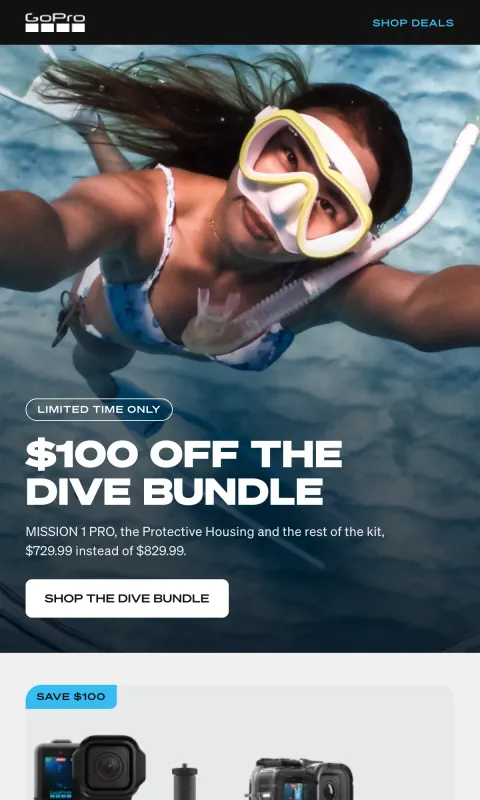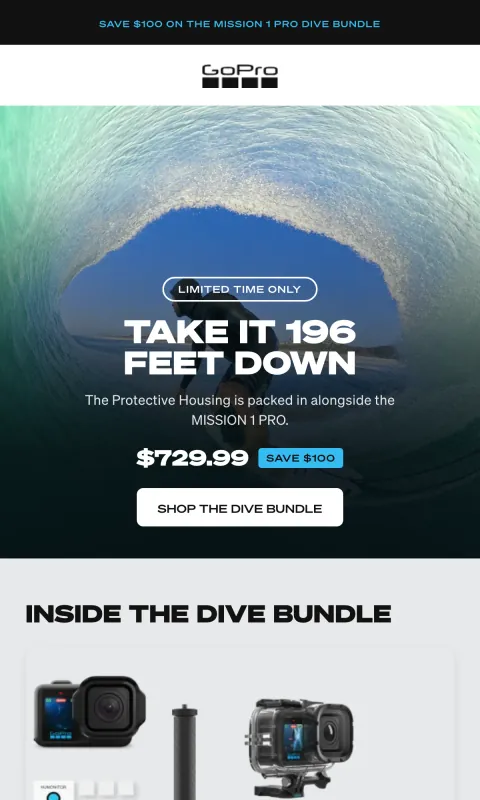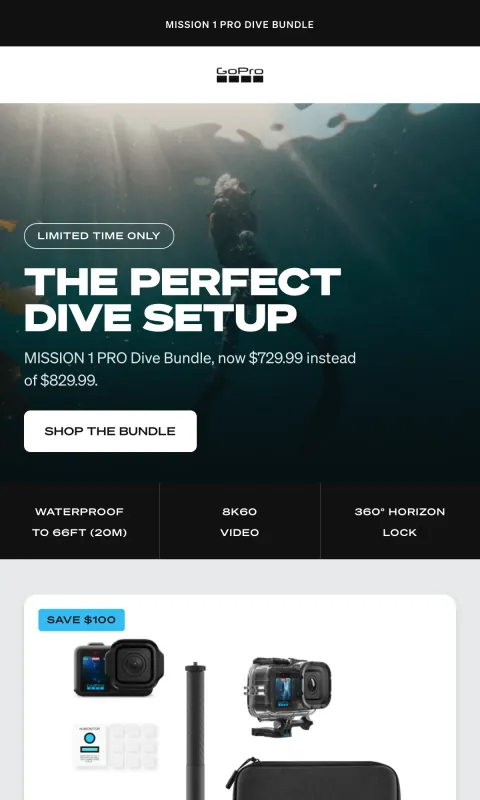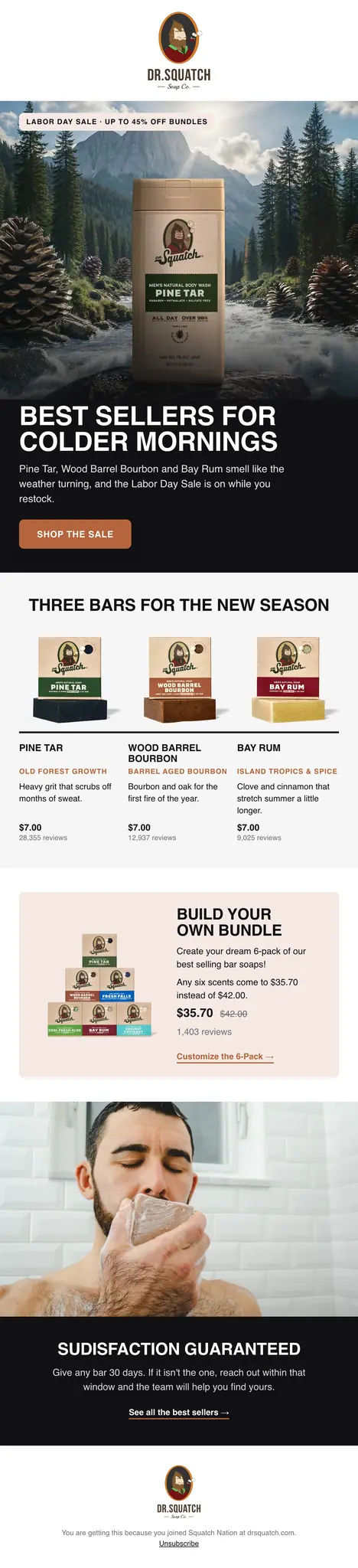
How do you design a Klaviyo email that looks like your brand?
There are three ways. Build it yourself in Klaviyo’s drag-and-drop editor with your brand styles saved. Have a designer draw it in Figma, then slice it into images and upload each one. Or describe it to an AI email designer such as R10N, which reads your brand and does the design and the slicing for you.
Klaviyo’s own editor is free with your account and good at the basics: a header, an image, some text, a button, your saved fonts and colors applied as you drag blocks in. Where it struggles is the thing that makes an email feel expensive: type set over a photograph, layered product shots, a layout that is not a stack of full-width blocks. Most brands that care about how their email looks end up with a designer.
A designer and a slicer gets the look, and costs time on every send. The design is made in Figma, cut into slices, uploaded, and each slice linked by hand in Klaviyo. One maker of a slicing plugin puts the manual version at two to three hundred clicks an email. It is how a lot of premium DTC email is made, and the reason a weekly send is a weekly invoice.
R10N takes the second workflow and removes the waiting. It designs at the level a designer would, from your own brand, and the slicing and linking happen on export because R10N built the email and knows where every section and button is.
Designing a Klaviyo email in R10N, step by step
- Add your website. R10N reads it once and keeps a brand kit: the colors you actually use, your typefaces, your logo, your products and prices, and the way you write. You can correct anything it got wrong.
- Describe the email in a sentence. What it is for, what you want people to do, and the offer if there is one. R10N already knows your brand, so the prompt is about this email.
- Change anything. Ask in the chat for another take on one section and the rest stays as it was, or click into the email and type.
- Connect Klaviyo once, then send it there. Pick the lists and the time, or leave it as a draft to finish in Klaviyo.
A welcome email for new subscribers. Tell them who we are in two lines, show our three best sellers with prices, and give them 10% off the first order.
More on writing a good prompt in How to prompt R10N.
What arrives in your Klaviyo account
- The email as sliced images, cut where the sections change and drawn at twice the size for sharp screens.
- A link on every slice that should open something: a product, a collection, your homepage.
- Alt text on every slice, written from the words in it, so a reader with images off still gets the message.
- The subject line and live preview text, the line an inbox shows beside the subject.
- A real Klaviyo campaign, scheduled for your lists or held as a draft. Nothing sends until you or your schedule say so.
Campaigns and flows
Campaigns go straight in as campaigns. For a flow you already run in Klaviyo, such as a welcome series or an abandoned cart reminder, design the email in R10N and save it as a template in Klaviyo; the flow then sends it like any other template. Flows (a whole sequence planned and designed as a set) are coming soon. Today R10N designs one email at a time.
See what these look like in practice: welcome email examples, abandoned cart examples and win-back examples, every one designed by R10N.
The image-only question
Klaviyo’s community advice leans toward a mix of live text and images, because an email with very little text gives inbox providers less to read. That is worth taking seriously. It is also how a large share of the best-looking DTC email is already sent: designed as pictures, sliced, linked. The difference is in how it is done (alt text, preview text, a sensible size, a list that wants to hear from you). We wrote up the trade-off, and how to send image emails well, in Image-only emails.
Questions
Does R10N send my Klaviyo emails?
No. R10N designs the email and creates the campaign in your own Klaviyo account, either booked for the time you pick or as a draft. Klaviyo sends it, to the lists you choose, exactly as it sends everything else in your account.
What does the email look like inside Klaviyo?
It arrives as a stack of images, sliced where the sections change, each one linked to the page it should open, with alt text on every slice and live preview text. The subject line and preview text are set from R10N and you can change them in Klaviyo before it goes.
Can I edit the design in Klaviyo's editor afterwards?
You change the design in R10N, by asking in the chat or by clicking into the text, and send it to Klaviyo again. Because the email is images, Klaviyo's editor can move or remove a slice but cannot retype the words inside one.
Does it work for Klaviyo flows like welcome and abandoned cart?
Yes, one email at a time. Design the email, save it as a template in Klaviyo, and use that template in the flow you already run there. Designing a whole flow as a planned set inside R10N is coming soon.
Will it look the same in Gmail, Apple Mail and Outlook?
Yes, wherever images are shown. The design is a picture, so there is no layout code for an email client to get wrong. Gmail and Apple Mail show images by default; some Outlook setups hold them back until the reader allows them, and until then the alt text on each slice is what the reader sees.
How long does one email take?
A few minutes from the sentence to the finished email. Reading your brand the first time takes a little longer, once.