What is an image-only email?
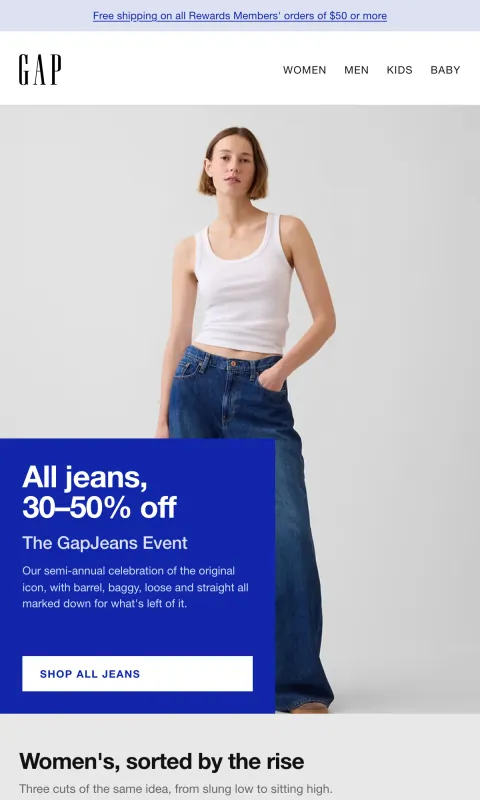
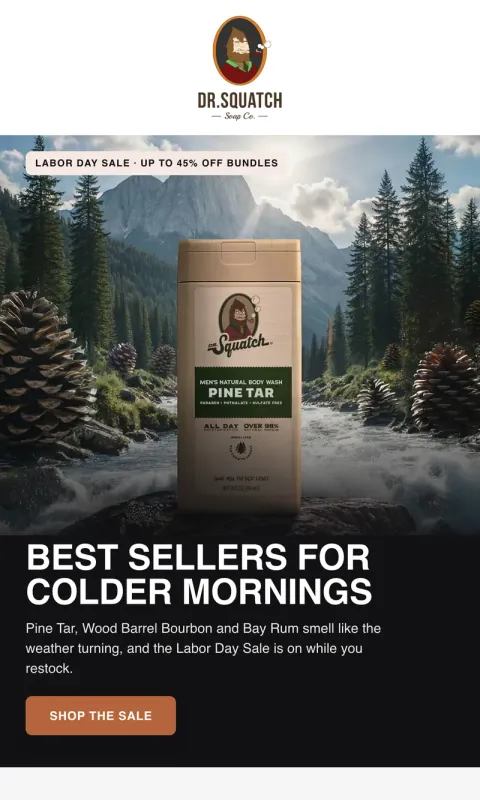
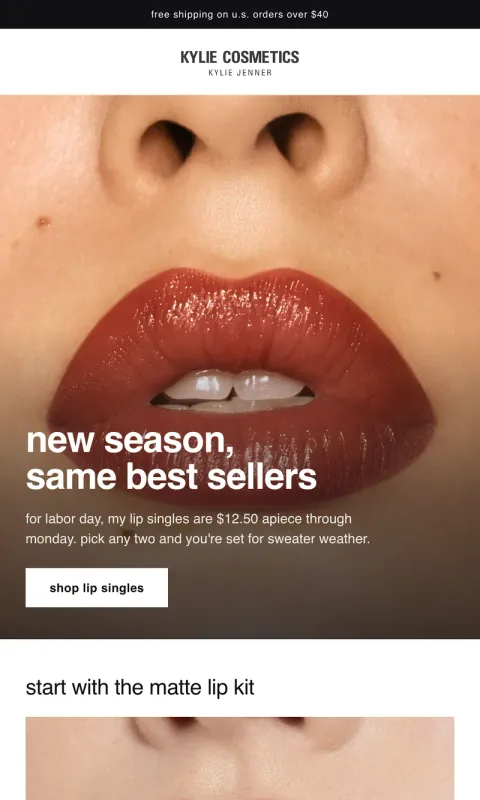
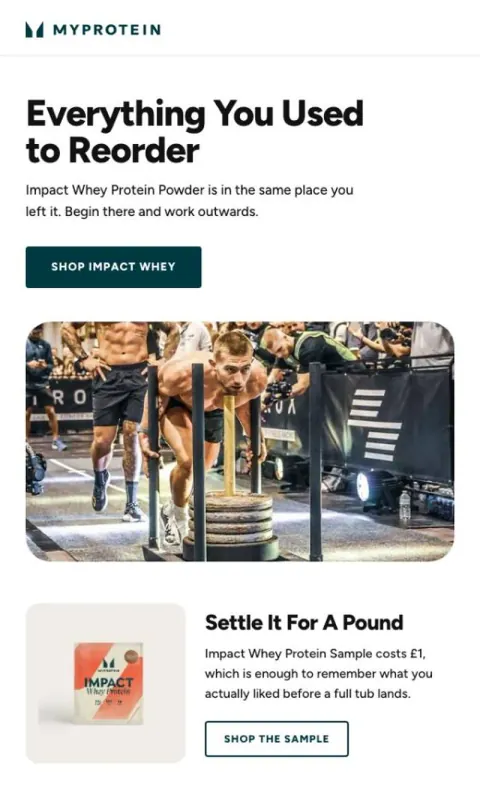
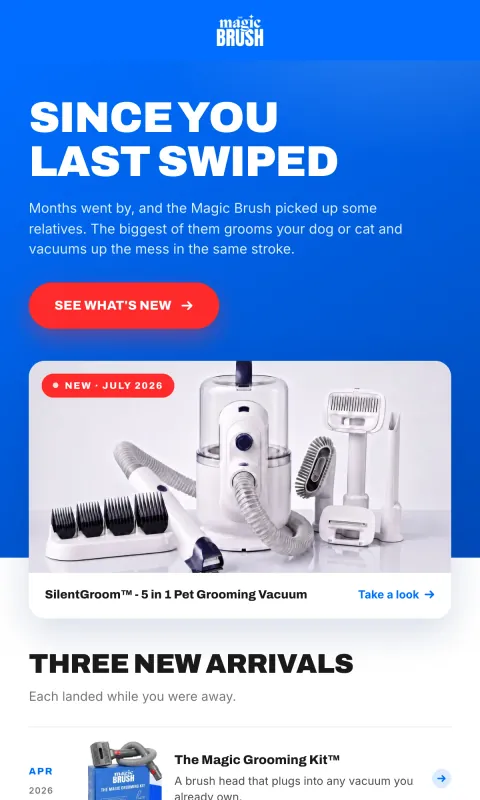
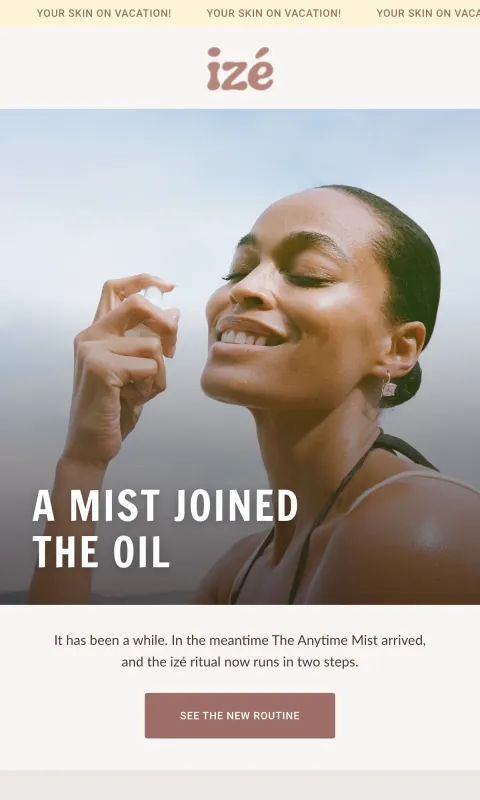
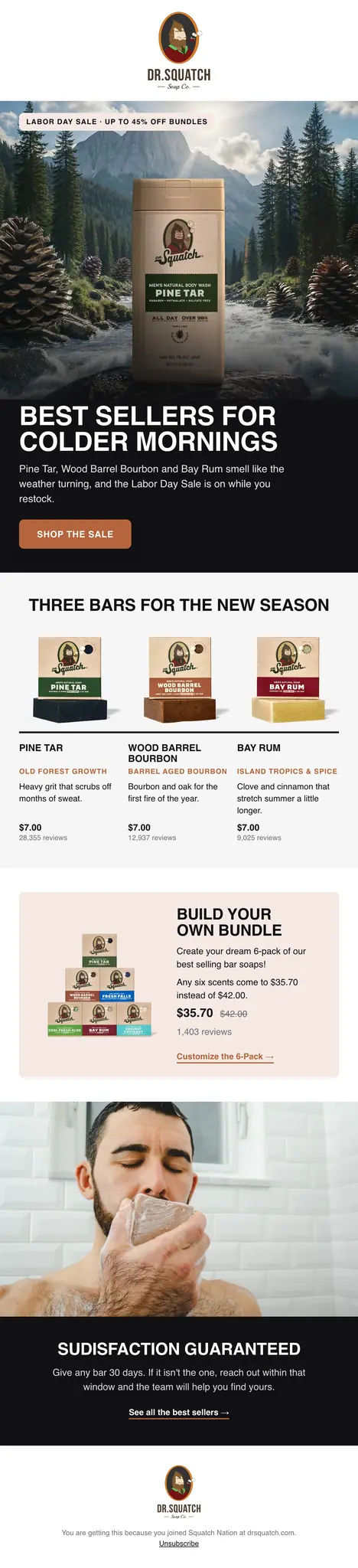
An email designed as one tall picture, then cut into horizontal slices and placed in the email one after another. Each slice that should open something (a product, a collection, the shop) carries its own link. The reader sees a single designed email; the inbox sees a short stack of linked images.
It is sometimes called a sliced email, after the slicing step, which is traditionally done by hand: a designer exports the design from Figma or Photoshop, cuts it into strips, uploads each one to the email platform and links them one at a time.
Why DTC brands send them
Email code is old and every inbox reads it a little differently. Brand typefaces often fall back to Arial, a headline set over a photograph has to be rebuilt as a picture anyway, and Outlook on Windows draws layouts its own way. Designing the whole email as images sidesteps all of it: what the designer drew is what every reader sees.
That is why a lot of premium DTC email, in fashion, beauty and food especially, is already sent this way. It is the format that lets an email look like the brand’s site and its ads rather than like a template.
Do image-only emails hurt deliverability?
They can, for a sender whose reputation is already weak. Inbox providers read an email’s text as one of many signals, and an image-only email gives them less to read. For an authenticated sender with an engaged list, the images matter far less than the reputation does.
Klaviyo’s own community says the same thing from the cautious side: providers favor a balance of live text and images, and large brands get away with image-heavy email because of the reputation they have built. So the reputation is what to protect.
What actually decides where an email lands, in rough order:
- Authentication. SPF, DKIM and DMARC on your sending domain. Gmail and Yahoo have required them of bulk senders since 2024.
- Complaints. Google’s sender guidelines ask bulk senders to keep the rate of people marking them as spam under 0.3%, and lower is better.
- Engagement. Opens, clicks and replies from the people you send to. Sending to subscribers who stopped opening months ago is the fastest way to teach a provider to file you as promotional or worse.
- Content. Including how much live text there is. It counts, and it counts less than the three above.
How to send an image-only email well
- Alt text on every slice, saying what that slice says. It is what a reader sees with images off and what a screen reader speaks.
- Live preview text, the line an inbox shows beside the subject. It is real text in every image email and it is the first thing read.
- A link on every slice that should go somewhere. A picture of a button that does not click is the most common sliced-email mistake.
- Few, light slices. Cut at section boundaries rather than every few pixels, and keep the total weight reasonable so the email opens fast on a phone.
- Live text in the footer. Your unsubscribe link and postal address, which your email platform adds or requires.
- Send to engaged subscribers first, and test to a Gmail and an Outlook address before a big send.
When an image-only email is the wrong choice
Order confirmations, shipping notices and password resets should be text: they are read for information, often with images off. A short note from the founder reads better as a plain email. And anything that needs a different word for each reader (their name, their points balance, their last order) cannot live inside a picture that is the same for everyone; keep that in the subject line, the preview text or a live line of its own.
How R10N makes image emails
R10N builds every email as a structured design, so on export it already knows where every section, product and button is. It cuts the slices at those exact boundaries, draws them at twice the size for sharp screens, puts a link on each slice that leads somewhere, and writes the alt text for each slice from the words that are in it. The preview text goes in as live text. Then the email goes to Klaviyo, Omnisend or Mailchimp, where your own sending reputation, domain and list do the rest. R10N does not send email itself.
The result is the designer-and-slicer workflow without the slicing, which is the part that took the hours. See it on real brands in the gallery.
Questions
Do image-only emails go to spam?
Not because they are images alone. Inbox providers decide mostly on your sending reputation: whether your domain is authenticated, whether people open and click, and how many mark you as spam. An email with very little live text gives them less to go on, so a sender with a weak reputation feels it first. Authenticate your domain, send to people who engage, and keep live preview text and alt text on every slice.
What is email slicing?
Cutting a designed email into horizontal images, usually at the line between one section and the next, and stacking them in the email so each one can carry its own link. A button becomes a slice of its own, or a linked area within one.
Can I personalize an image email with the subscriber's name?
Not inside the pictures, because a picture is the same for everyone who opens it. Personalize the subject line and preview text in your email platform instead, or keep one live text line for it.
What width should an email image be?
Design at 600 pixels wide, which is what most inboxes show, and export at twice that so it stays sharp on phones and high-resolution screens. R10N designs at 600 and exports at 2x.
Does Gmail clip image emails?
Gmail clips an email whose HTML is larger than about 102KB. The pictures themselves do not count toward that, only the code that places them, so a sliced email is usually far under it.
Are image-only emails accessible?
They can be, if every slice has alt text that says what the slice says. A screen reader reads the alt text in order, so a well-written set of slices reads like the email. A slice with no alt text is silent.